Touchpoints API
The Touchpoints API is available to all federal employees and contractors who have an active Touchpoints account. It provides convenient, programmatic access to retrieve a user's forms and form responses, as well as other, more specialized Customer Experience (CX) domain objects. It is a read-only JSON REST API that utilizes the api.data.gov API gateway.
The Touchpoints API has no public-facing endpoints.
Getting Started
To begin using the Touchpoints API, you will need to register for an API Key. You can sign up for an API key here: API key signup page on api.data.gov
After registration, you will need to provide this API key in the X-Api-Key HTTP header with every API request.
Your API key is used to enforce rate limits and monitor usage. Read more about rate limits in the api.data.gov documentation.
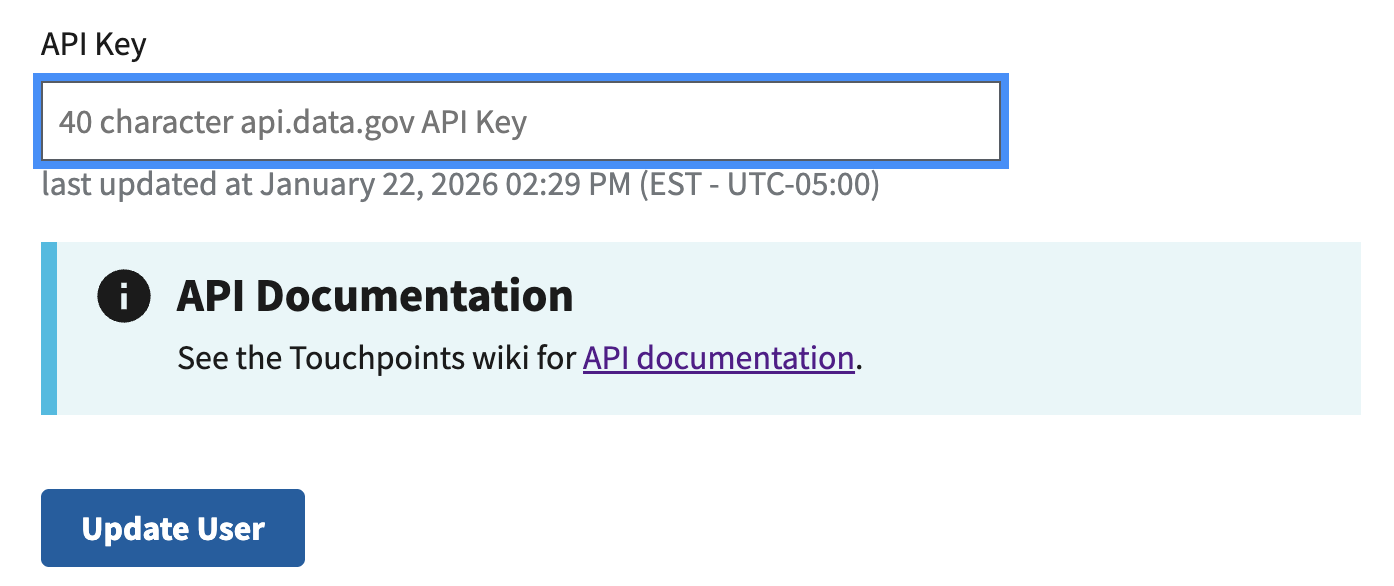
Your API key is also used to authenticate you to Touchpoints. In order to access your Touchpoints data via the API, you must associate your API key with your Touchpoints account. To do so, log into Touchpoints and copy your 40-character API key string into the "API Key" field at the bottom of your Touchpoints profile page.
Example: Get Form Responses
The most common use of the Touchpoints API is to retrieve responses that have been submitted for one of the API user's forms. A request for form responses looks like:
$ curl https://api.gsa.gov/analytics/touchpoints/v1/forms/abcd1234/responses --header "x-api-key: 1234"
In this example, 1234 should be replaced with the user's actual API key and abcd1234 should be replaced with the short UUID of the given form.
Deprecation notice
The /forms/{id}/responses endpoint was introduced recently to replace the use of the existing /forms/{id} endpoint for retrieving form responses.
The legacy /forms/{id} endpoint returns responses in a submissions field. That field has some known issues:
- Deleted responses are included.
- Pagination does not work correctly when the responses are filtered by date.
- Pagination links returned by the endpoint refer to the raw API endpoints on the Touchpoints server (which are inaccessible to the public) instead of to the api.data.gov gateway.
Because these issues could not be resolved in a backwards-compatible way, we've introduced a dedicated responses endpoint instead. While the legacy endpoint is still valid for retrieving form details, it should be considered deprecated for retrieving form responses.
Scripting form response retrieval
Many teams export form responses to their chosen analytics platform on a regular cadence. Such a team could use a Python script similar to the one below to pull their responses every 7 days. The script uses the endpoint's request date filtering to only retrieve recent responses, and it uses the endpoint's response pagination links to ensure that all responses are loaded in case the total response count is greater than the default page size of 500.
import requests
from datetime import date, timedelta

API_KEY = "YOUR_API_KEY"
FORM_ID = "abcd1234"

# Start date = 7 days ago
start_date = (date.today() - timedelta(days=7)).isoformat()

url = f"https://api.gsa.gov/analytics/touchpoints/v1/forms/{FORM_ID}/responses"
params = {"start_date": start_date}
headers = {"X-Api-Key": API_KEY}

# Loop through each page until there is no "next" link
while url:
    response = requests.get(url, params=params, headers=headers).json()

    for record in response["data"]:
        print(record)  # process each response here

    url = response["links"].get("next")  # None when no more pages
    params = None  # the "next" link already includes query params